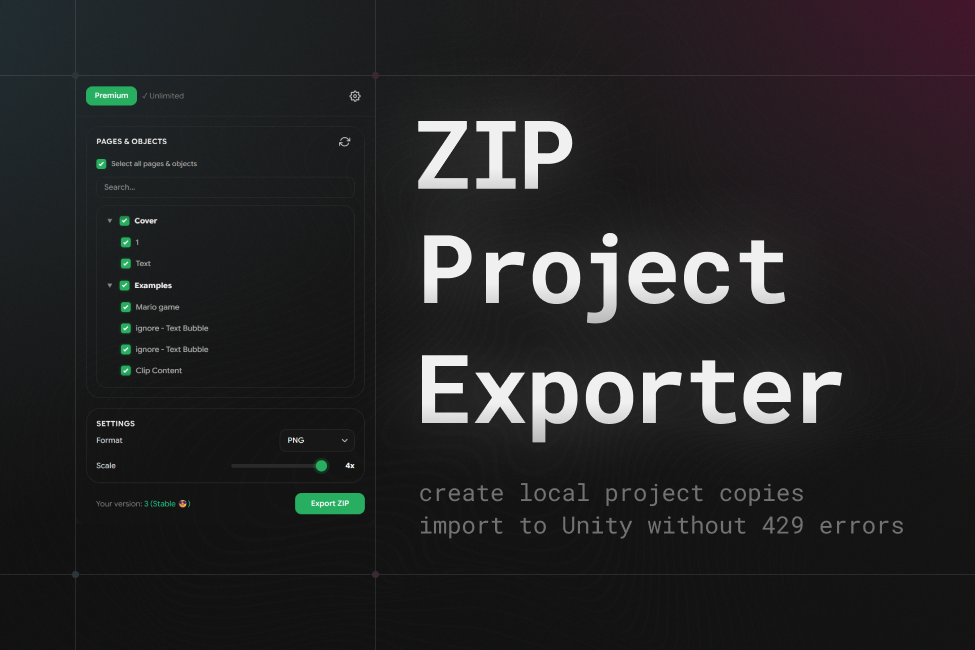
ZIP Project Exporter
Avoids the 429 Too Many Requests error during Unity import by creating a local ZIP copy of the Figma project, which can then be imported into Figma Converter for Unity an unlimited number of times without hitting Figma REST API limits.
This is the only Figma-to-Unity workflow that completely eliminates API rate limit issues — including those affecting Figma Free plan users.
Frequently Asked Questions
A few useful answers before you choose the setup that fits your Unity workflow.
Why do I get a limit reached message when importing my Figma project? (429 Too Many Requests)
Figma has reduced the limits for accessing its servers. Now, if you do not have a Figma Pro subscription with a full seat, your limits may not be enough to import large projects.
How can I remove Figma import limits?
If you have a Figma Pro subscription, do not plan to cancel it, and your Figma project is located in a Pro team, you should not run into these limits.
However, if you are a free user, you can use ZIP Project Exporter to solve this problem.
ZIP Project Exporter uses an alternative way to retrieve data from Figma. This lets it act as an intermediary between Figma and the Converter and avoid limits, including the 429 Too Many Requests error.
What should I do with the ZIP project after export?
Open Unity and serialize it in Figma Converter for Unity. After that, you can import the Figma layout into Unity from this offline copy.
Detailed manual: Import from an offline copy of the project.
Can another person import my ZIP project into Unity without access to the online Figma project?
Yes. You can give this ZIP project to another person, and they will be able to import this project copy an unlimited number of times.
Is this tool paid?
The tool costs $59, which is equivalent to 3 months of a Figma Pro subscription.
After purchase, you get lifetime access to the tool and can use it for as long as it exists.
If you have not purchased the tool, you can make 3 free exports every month.
What if I need help?
We have very fast support! I am online all day during EU hours.
We will be happy to help through any contact listed here: Support.